
← All Apps
VS Code Audit Add-on
Splunk Enterprise and Splunk Cloud
Brings VS Code extensions, settings, workspace files and remote sessions into Splunk.
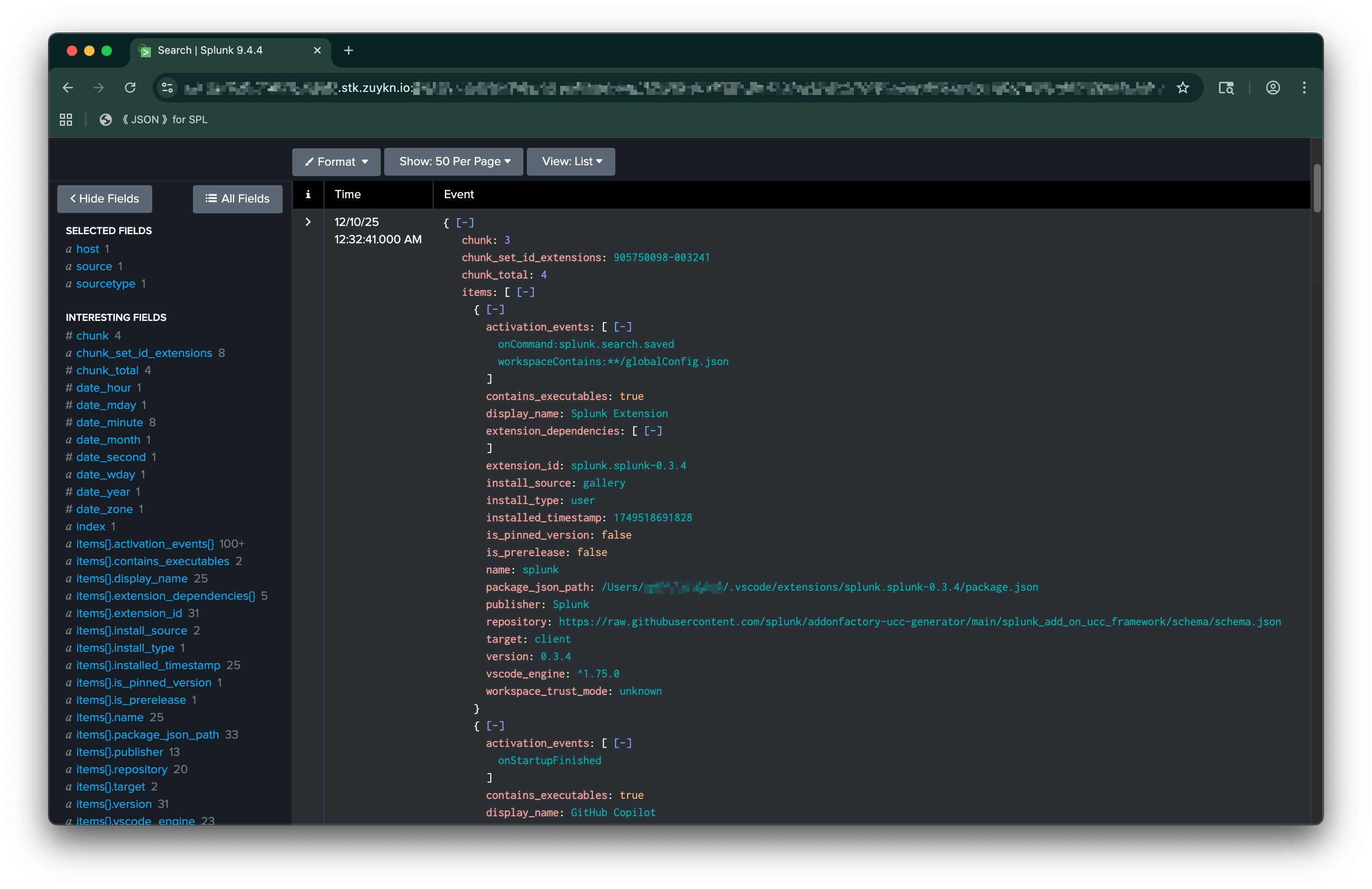
Extension Inventory
Every installed extension, with source, dependencies, trust mode and pinned versions.
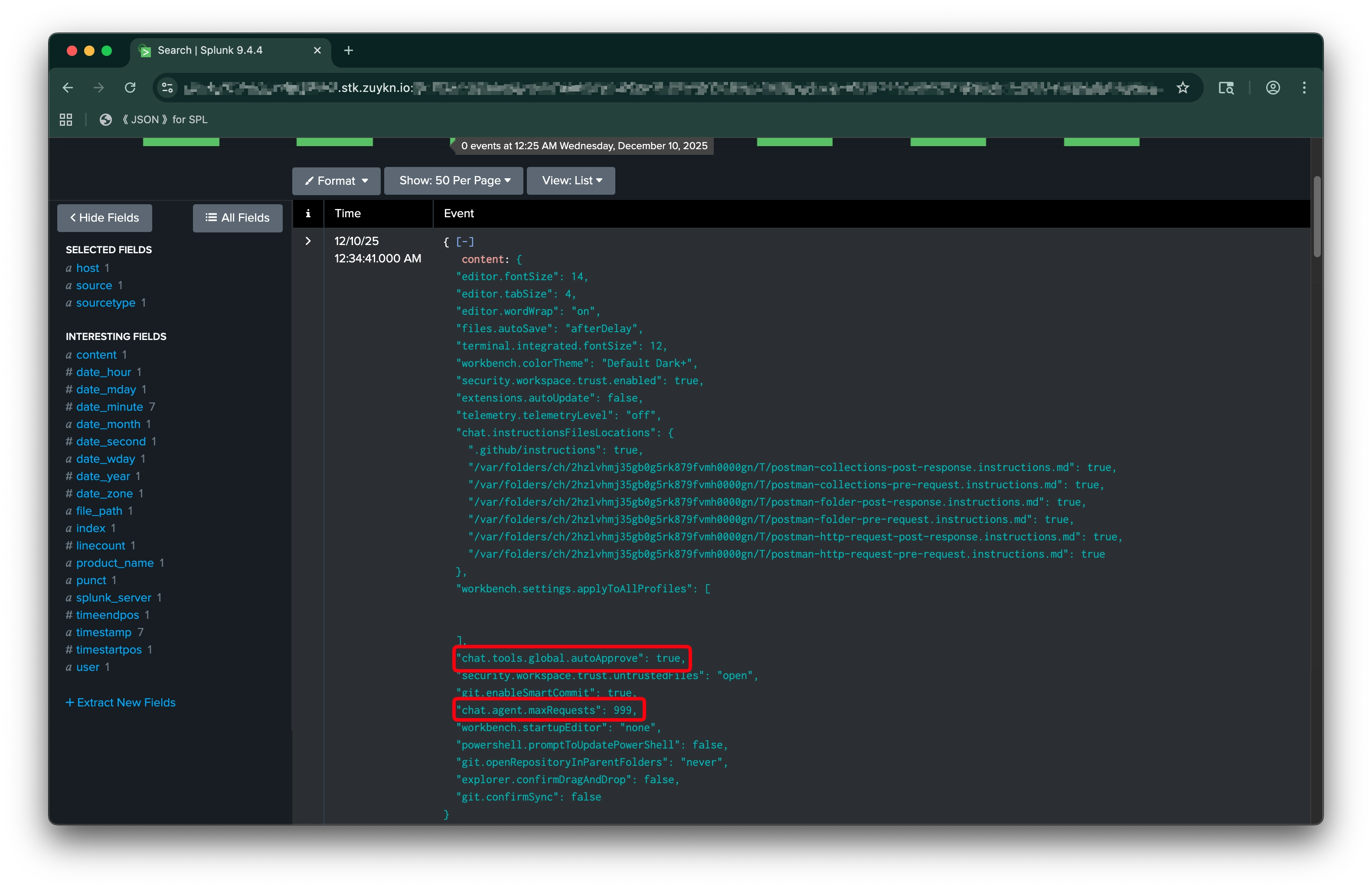
Risky Settings and Workspaces
Settings, startup arguments and workspace files that can run code, including agentic Ai settings.
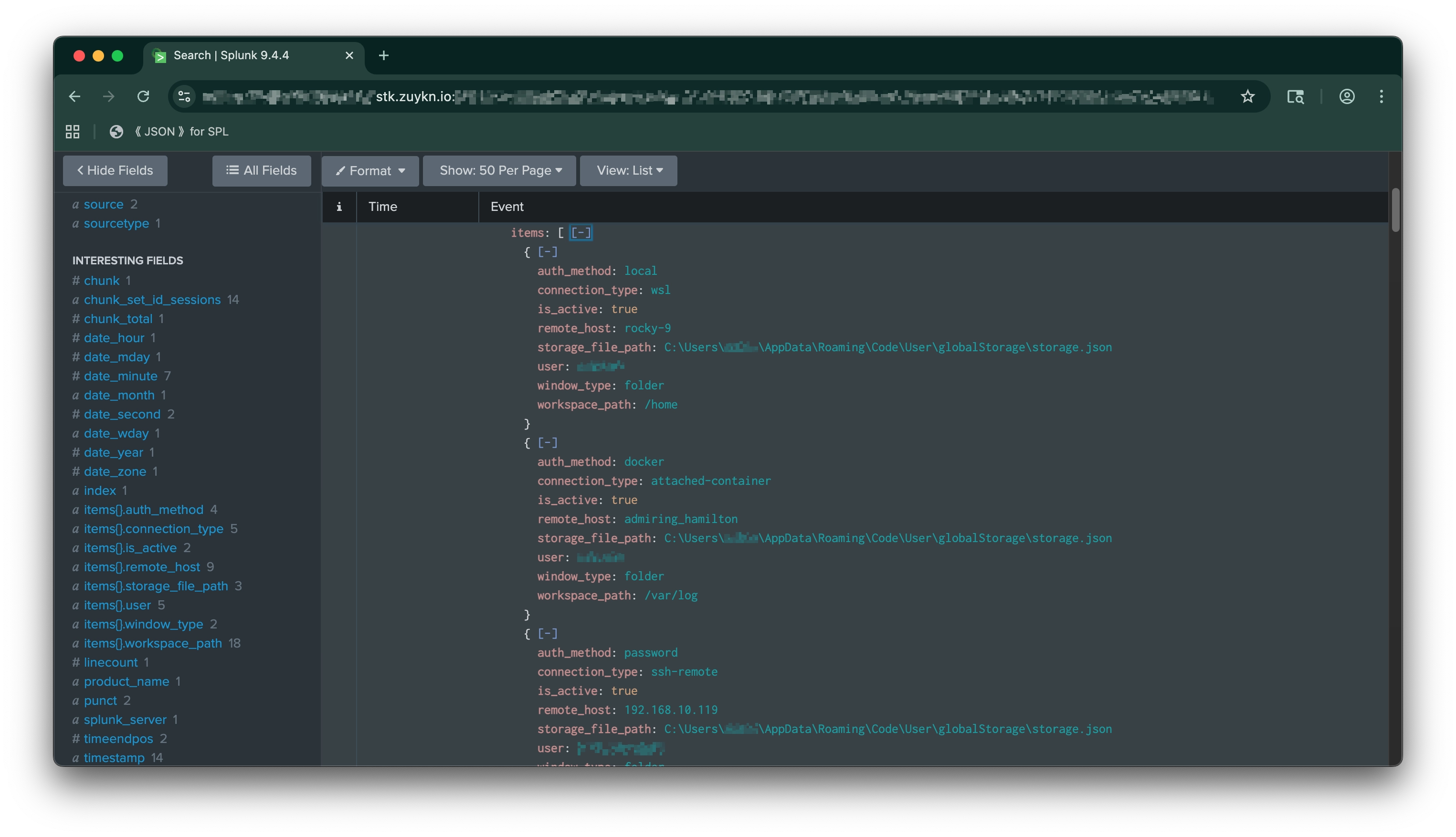
Remote Sessions, No Secrets
SSH, WSL and container sessions. API keys and credentials are never collected.
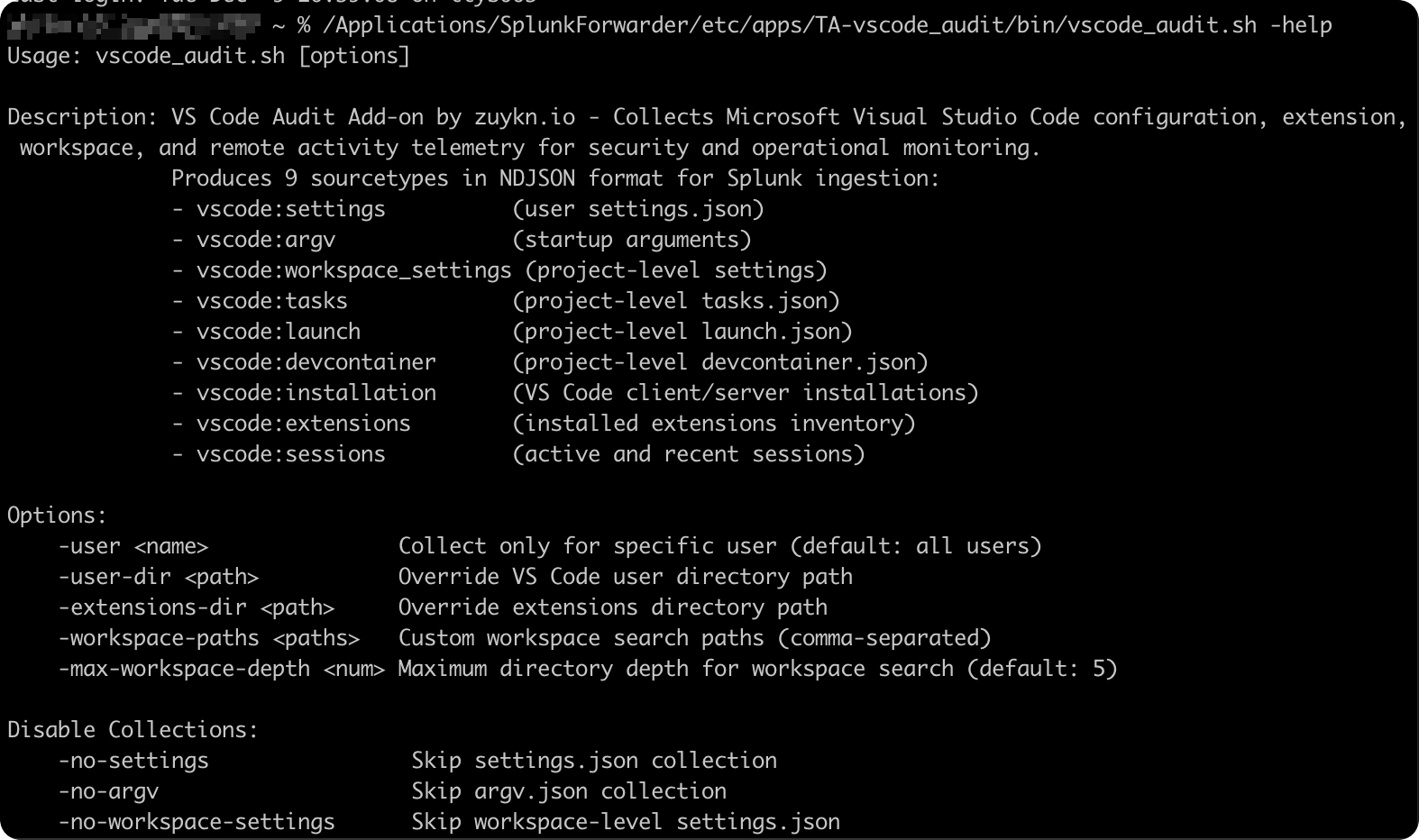
Overview
VS Code is where developers hold source code, credentials and infrastructure access. Malicious extensions, auto-running workspace files and agentic Ai settings make it an attack surface most security teams can’t see. This add-on brings that visibility into Splunk, on Windows and macOS.
Features
- Client and server extensions, with install source, dependencies, trust mode and pinned versions
- User settings and startup arguments (settings.json, argv.json)
- Per-project settings, tasks, launch and dev container files
- Remote sessions over SSH, WSL and containers, with host, user and auth method
- VS Code, Insiders, VSCodium, Code-OSS, Cursor and Windsurf
- No dependencies, no network calls, no secrets collected
Use Cases
- Baseline extensions and settings across engineering teams
- Detect risky agentic Ai settings, including global auto-approve
- Investigate supply chain incidents tied to malicious extensions
- Compare installed extensions against allow and deny lists
Get Started
- Download the add-on from Splunkbase.
- Install it on Universal Forwarders to collect, on heavy forwarders or indexers for routing, and on search heads for field extraction.
- Set the index and interval in inputs.conf (3600 seconds recommended) and enable one scripted input per forwarder.
- Restart the forwarders, then search sourcetype=vscode:*.
Need a Tool That Doesn’t Exist Yet?
We build Splunk apps, Outlook add-ins and internal tools like this one for clients.
Have One Built →